
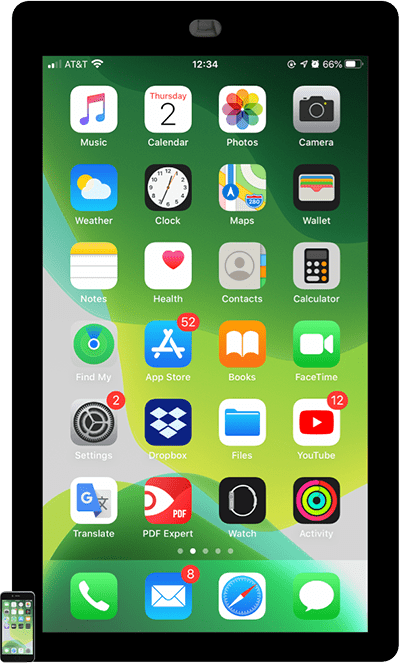
Touch Screen Kiosk Rental Boston
Padzilla is the ultimate touch screen for your business, event or next project
Are you in charge of planning your next conference or tradeshow in the Boston area? If so, you know how important it is to create a buzz around your booth and engage with potential customers. One way to do this is by renting an interactive touch screen display. And if you’re looking for the best option out there, you’ll want to consider Padzilla. Here, we’ll tell you all the reasons why Padzilla is the perfect choice for your event at the Hynes Convention Center.
Padzilla: The Best Touch Screen Kiosk Rental in Boston
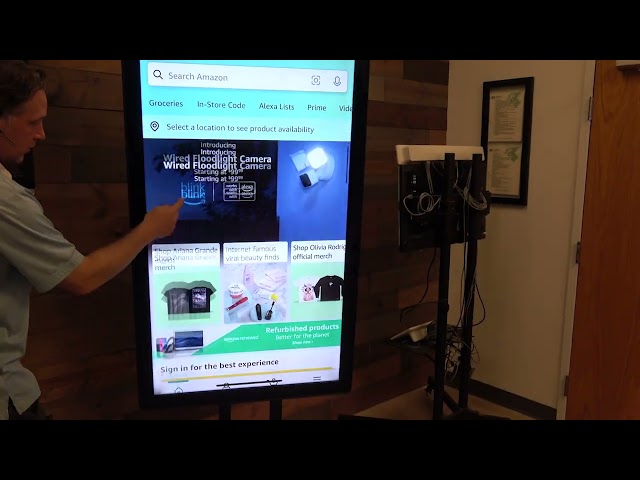
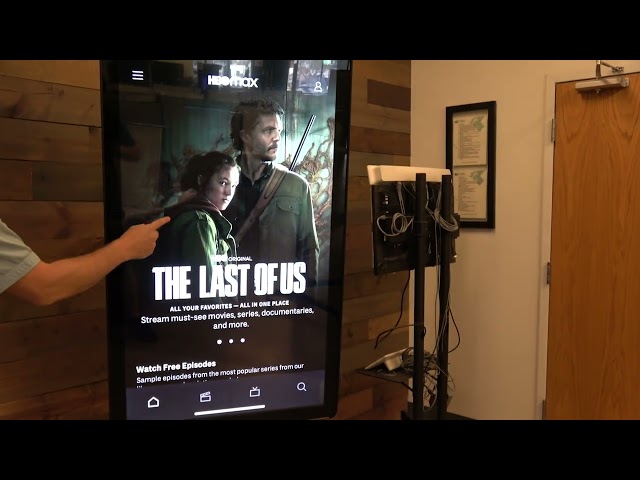
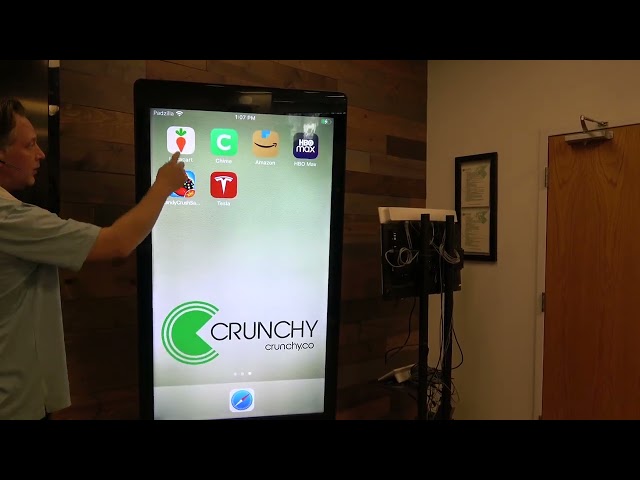
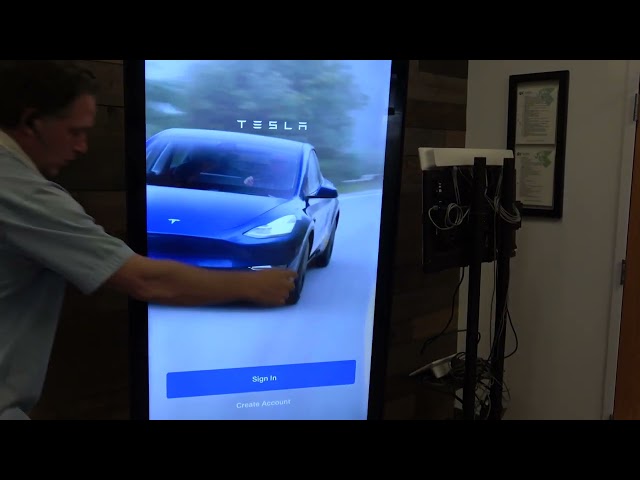
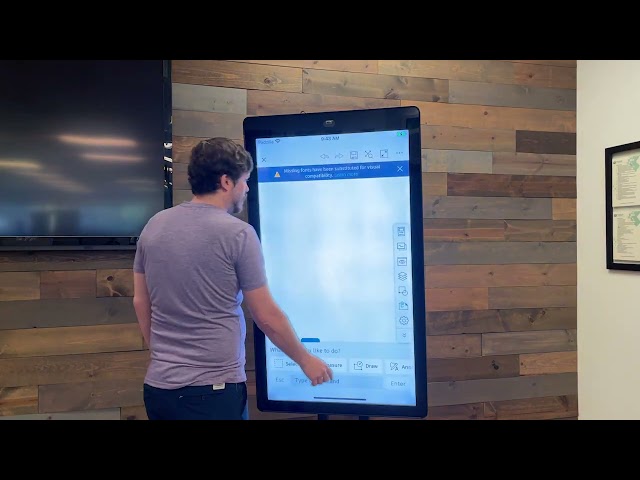
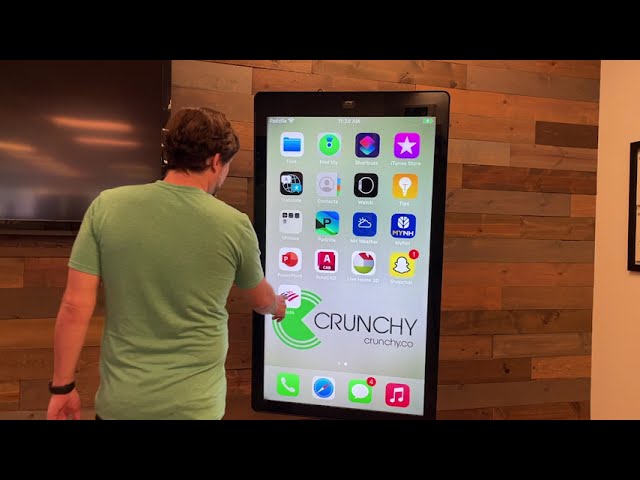
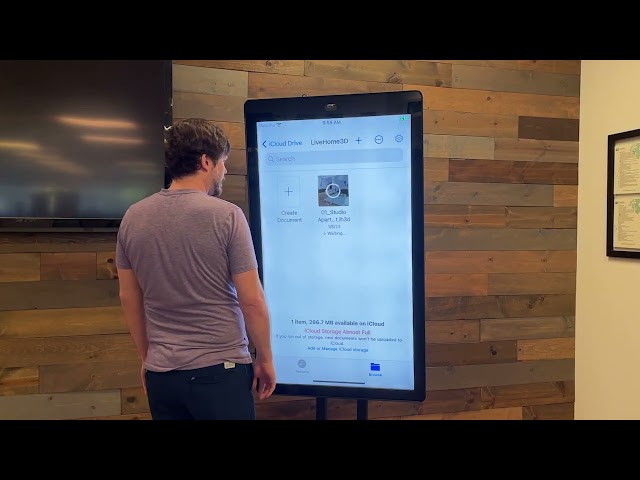
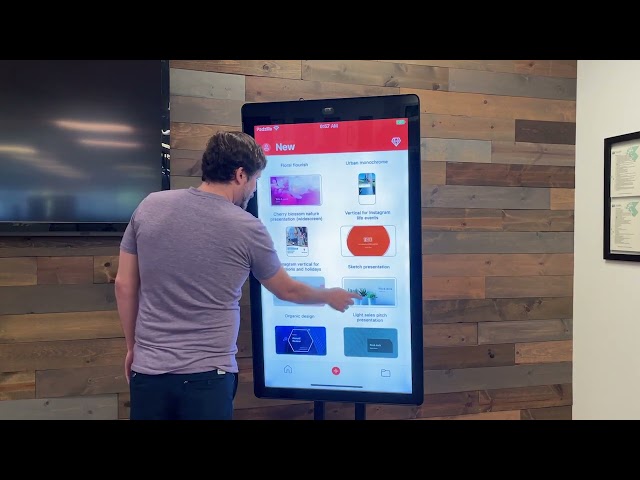
Padzilla is a fully functioning giant touchscreen tablet available in 43”, 55”, and 65” sizes that connects to your Apple iPhone to create a larger than life iPhone experience. This technology allows you to showcase your app, business website, and all types of media you currently use on an iPad but at a larger scale. With Padzilla, you can create a completely customized interactive experience that is sure to attract visitors to your booth.
Benefits of a Touch Screen at Trade Shows and Conventions
Interactive touch screen rentals are a popular choice at trade shows and conventions for many reasons. Here are just a few of the benefits of renting a touch screen kiosk:
- Increased engagement with potential customers
- Enhanced brand awareness
- Ability to showcase your products and services in an interactive way
- Improved lead generation
- Easy access to informational materials, such as floor maps and event agendas
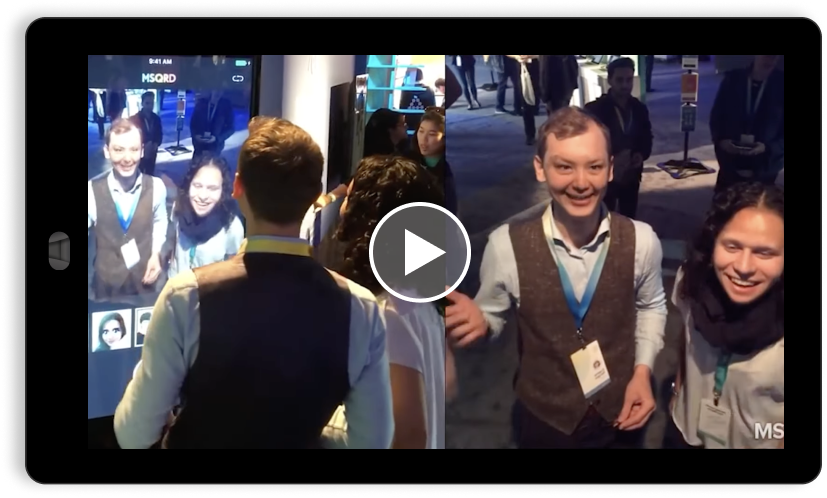
Increase Engagement at Your Booth
If you’re already convinced that a touch screen rental is the way to go, you’ll want to know what makes Padzilla stand out from the crowd. Here are just a few reasons why Padzilla is the perfect choice for your next event:
- Customized design: You can work with the Padzilla team to create a completely custom design that matches your brand and messaging.
- User-friendly: The touch screen interface is highly responsive and easy to use for visitors of all ages.
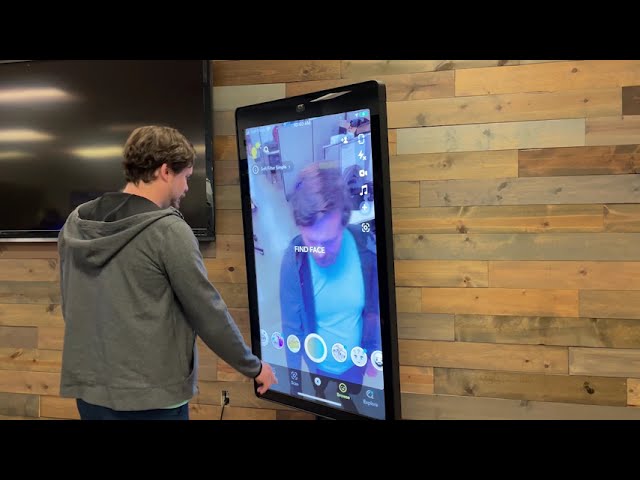
- Social media integration: Padzilla can integrate with your social media accounts, allowing visitors to engage with your content directly from the screen.
- Interactive experiences: With Padzilla, you can create interactive experiences that are sure to wow visitors to your booth.
Why Go Interactive with Your Display?
Interactive displays are a great way to engage with potential customers and make a lasting impression. With an interactive Padzilla display, you can showcase your products and services in a way that allows visitors to experience them in real-time. Plus, interactive displays are more memorable than traditional static displays, meaning visitors are more likely to remember your brand after the event is over.
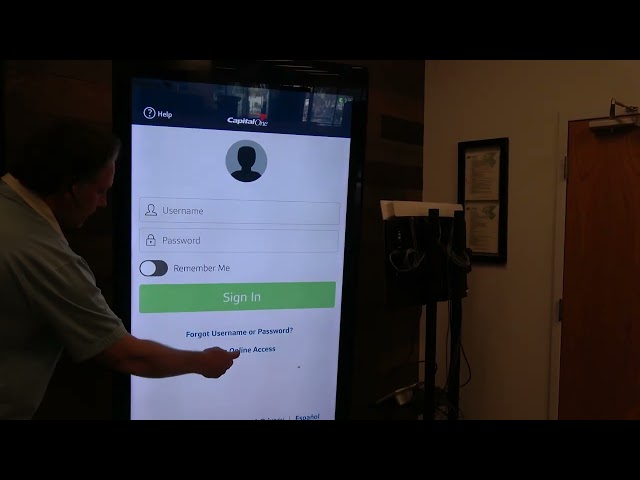
Tap, swipe, pinch. See what you can do with Padzilla.
Rent a Padzilla Today!
If you’re looking for a touch screen kiosk rental in Boston, Padzilla is the clear choice. With customizable design, user-friendly interface, and interactive experiences, there’s no better way to engage with potential customers at your next event. So, why wait? Contact Padzilla today to learn more about how you can take your booth to the next level with an interactive touch screen display.
Get started and get going.
- Gather your rental details Let us know how you plan to use your Padzilla, when and where you need it, what apps to preload, and what your desired size is from our 32” and 55” rental options.
- Submit the rental form Fill out the rental form below with the required information and a member of our team will reach out to you as soon as possible to confirm your rental.
- Let us work out the logistics Once your rental is confirmed, we’ll preload your Padzilla unit with the apps requested and coordinate freight logistics. All you’ll need to do is turn the device on.